Menu 8
Events & More Menus
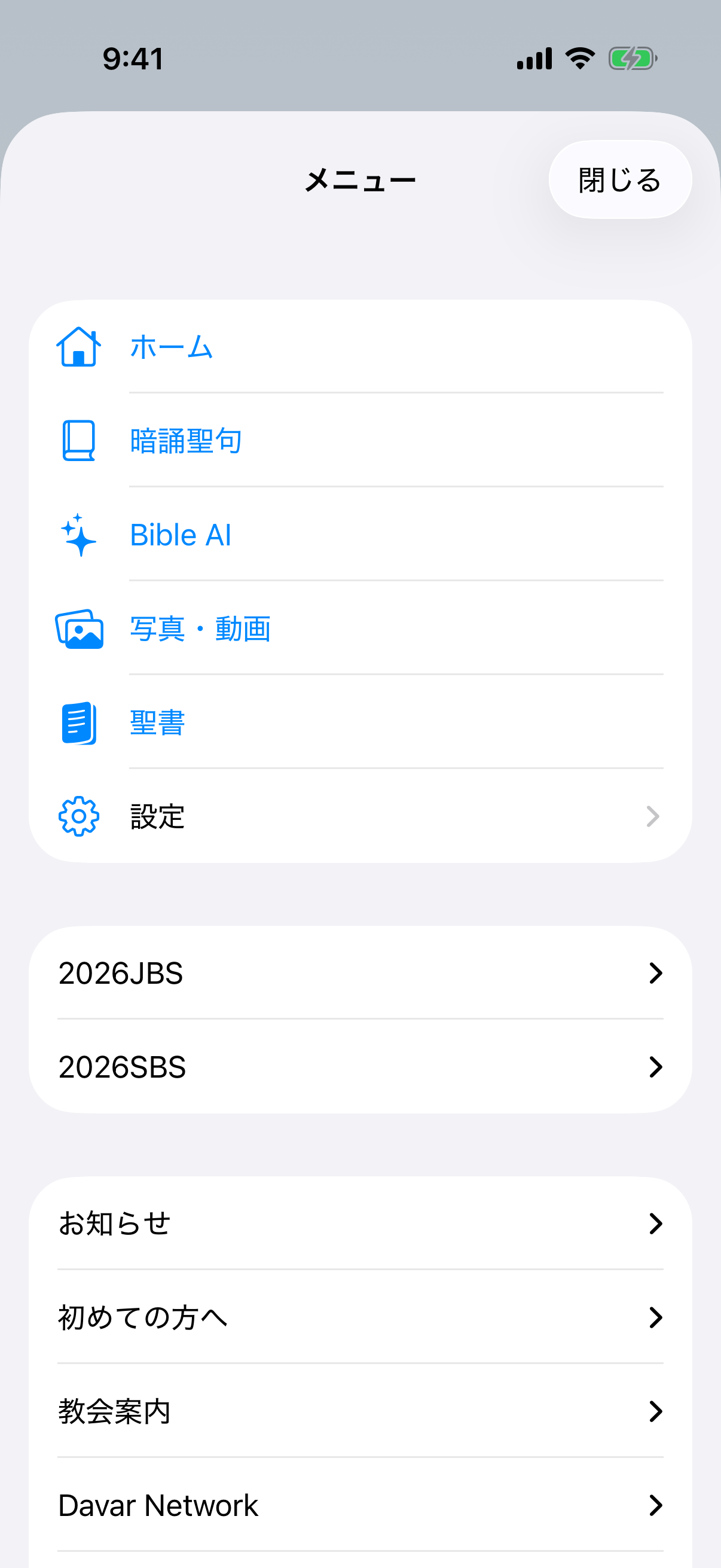
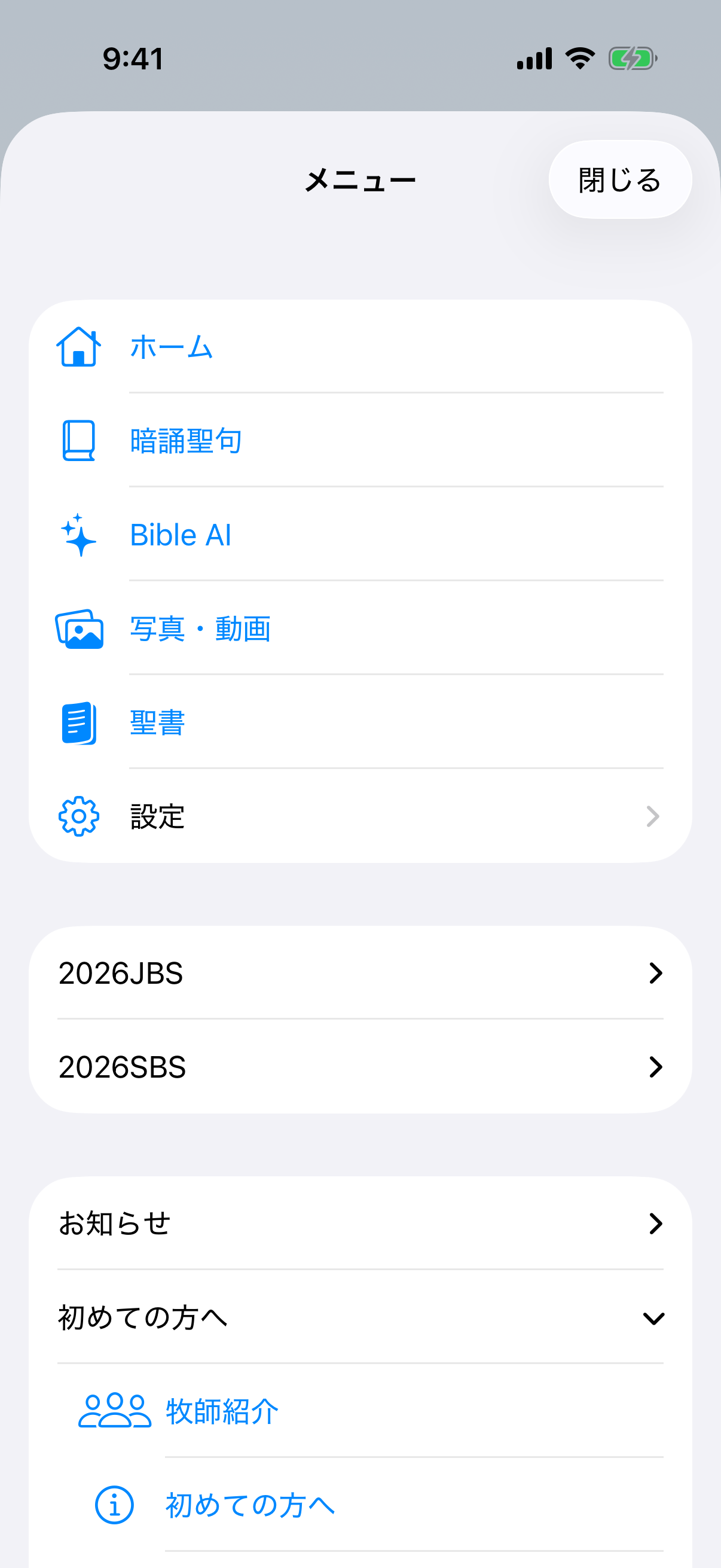
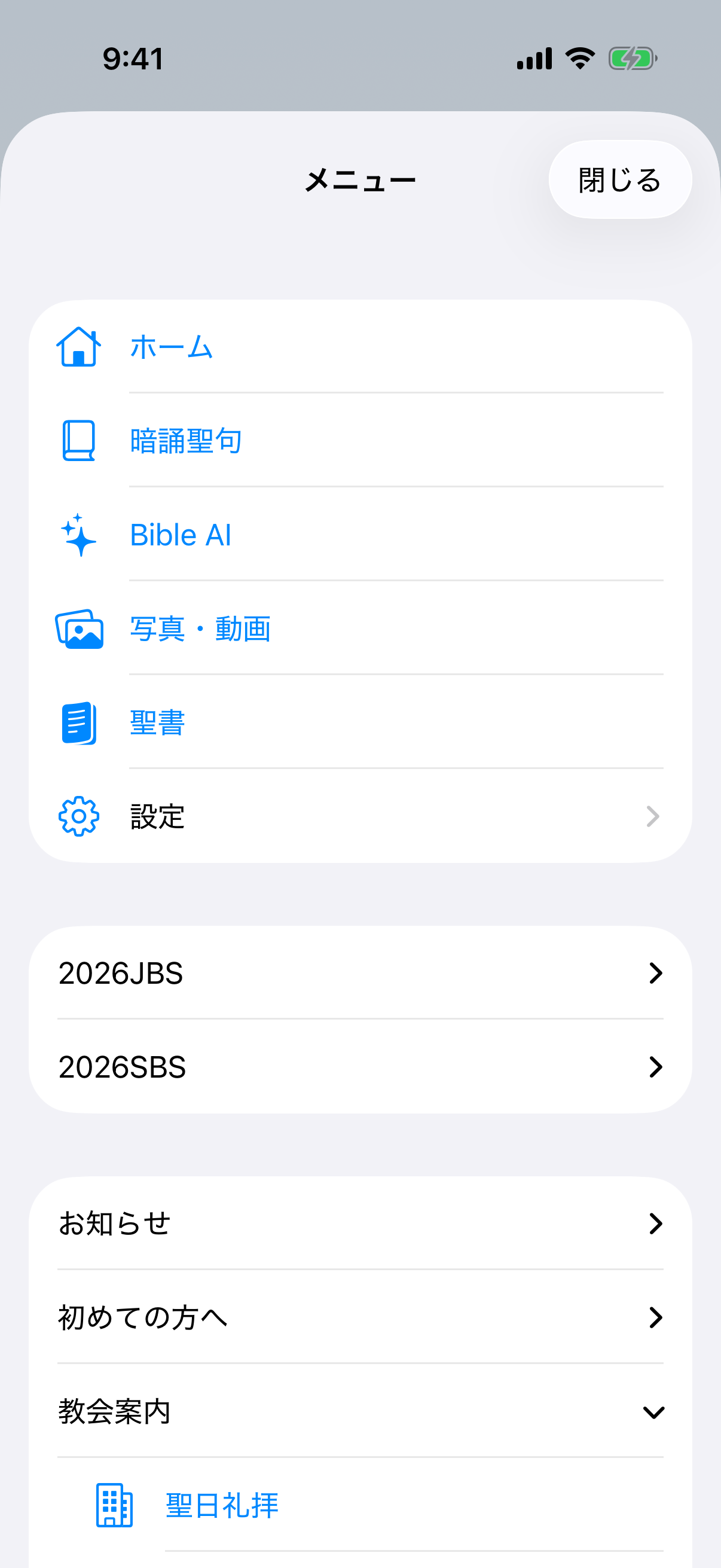
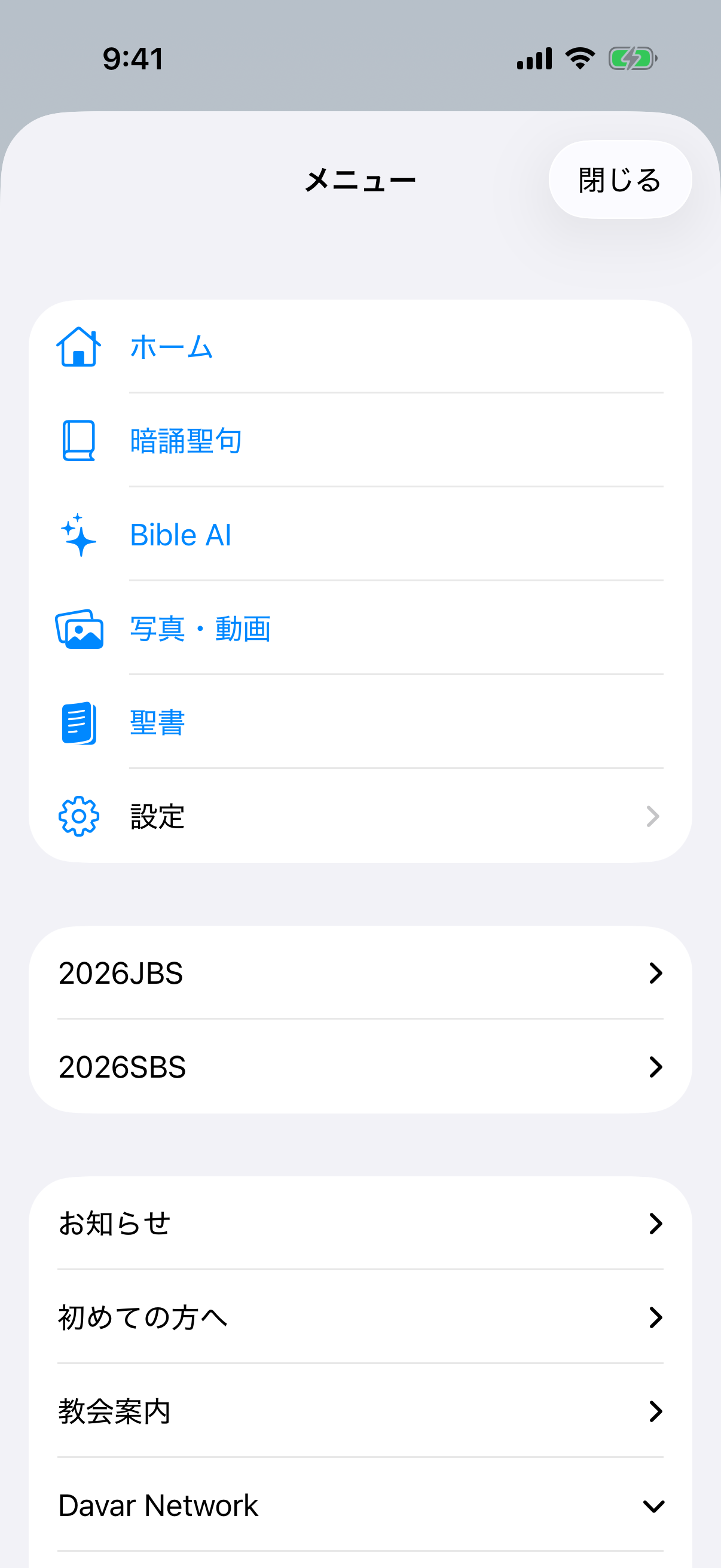
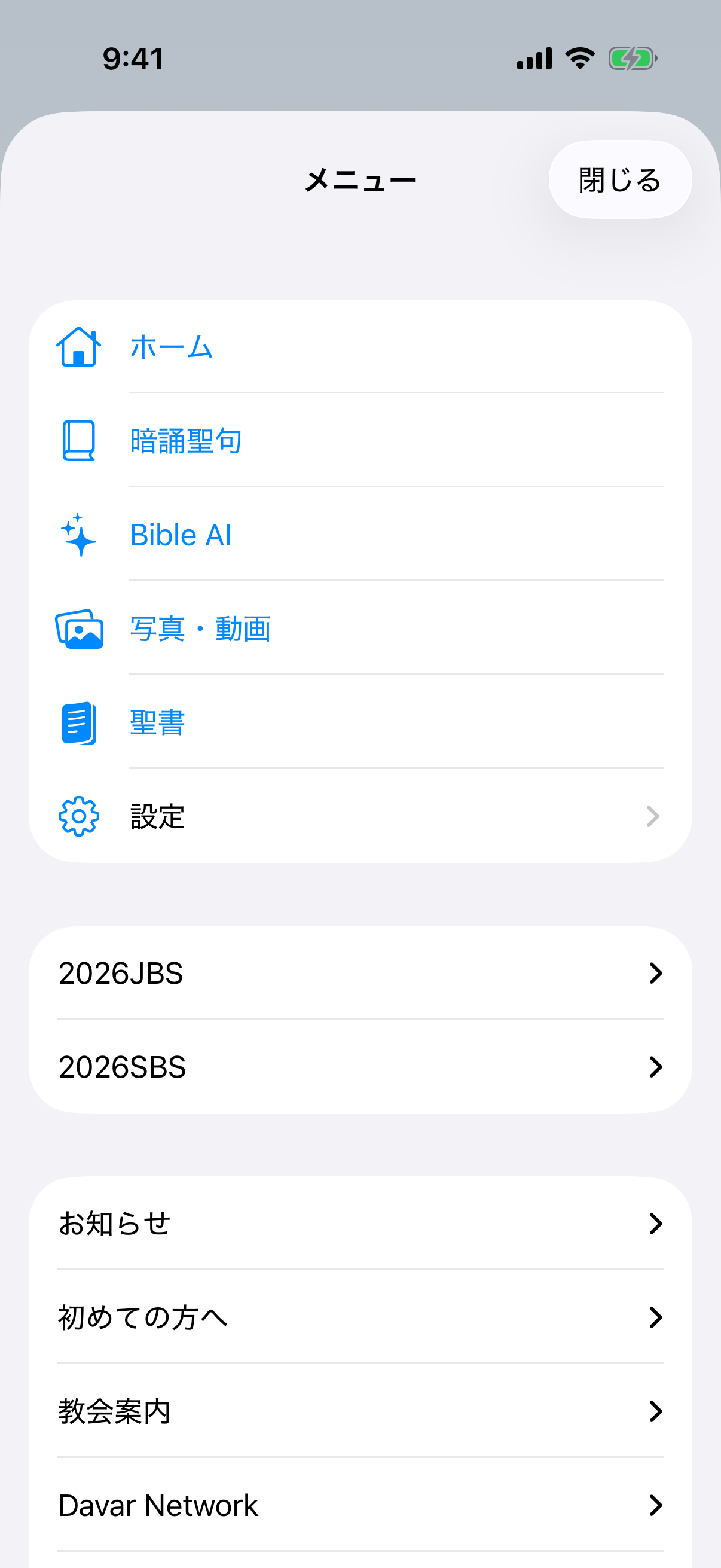
The three-line menu combines everyday app features, time-sensitive Events that can update quickly, and expandable groups of church information.
Open the menu
- Tap the three-line button at the upper left.
- Home, Memory Verse, Bible AI, Photos & Videos, Bible, and Settings are core app features.
- Time-sensitive items delivered for the current season, including 2026JBS and 2026SBS, appear directly below the core features as Events.
- Tap Announcements, New Here, Church Guide, Davar Network, Media, or Links to expand its items.
- If an update is not visible, close the menu, pull Home down to refresh, then reopen it.
2026 JBS
Find the information needed for JBS on September 19–23, 2026.
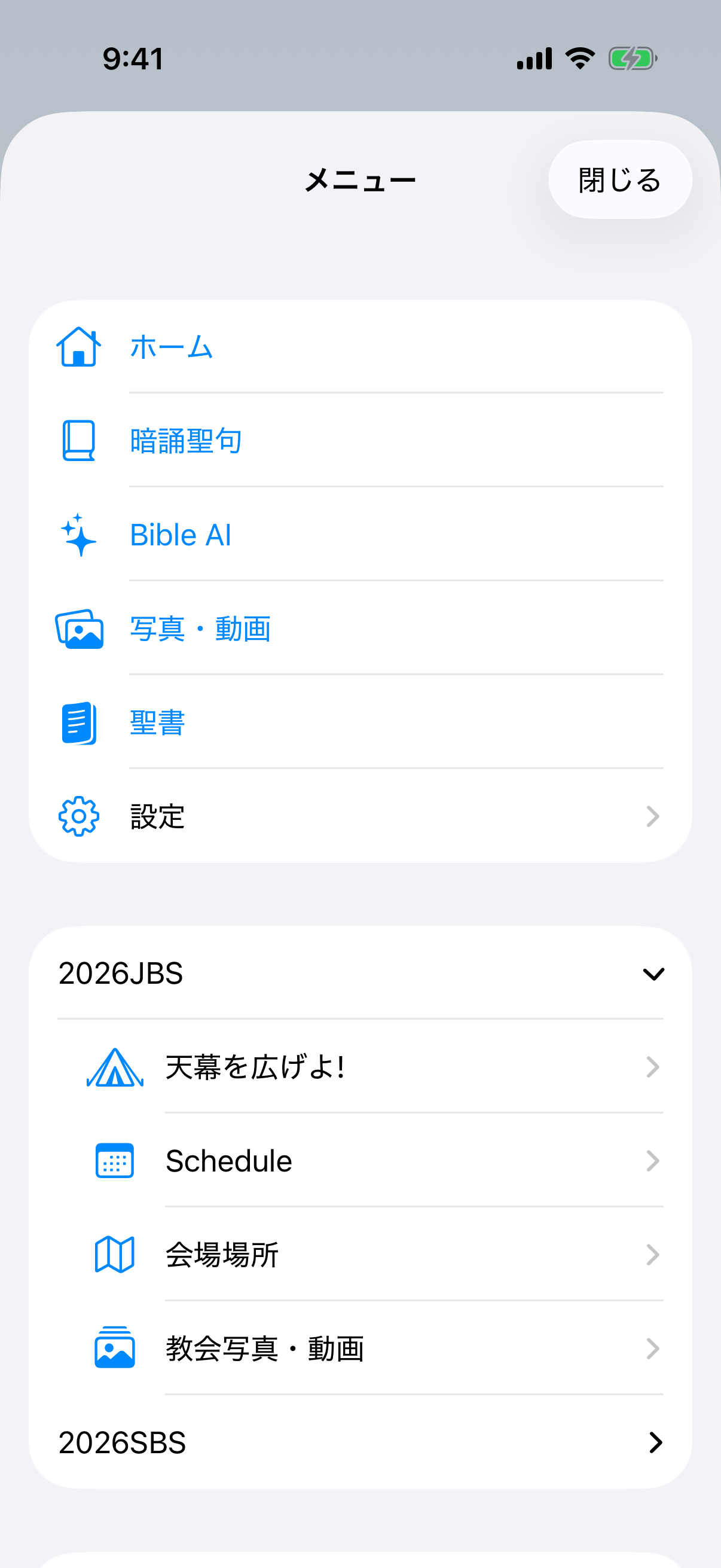
- Enlarge the place of your tent!Check the dates, venue, contact address, and official information.
- ScheduleSwitch between Japan and US Pacific time, review the program, and share it.
- VenueSee the address and phone number, open Google Maps, and read driving, train, and bus directions.
- Church Photos & VideosOpen a gallery filtered to 2026JBS. Uploading here applies the event tag automatically.
2026 SBS
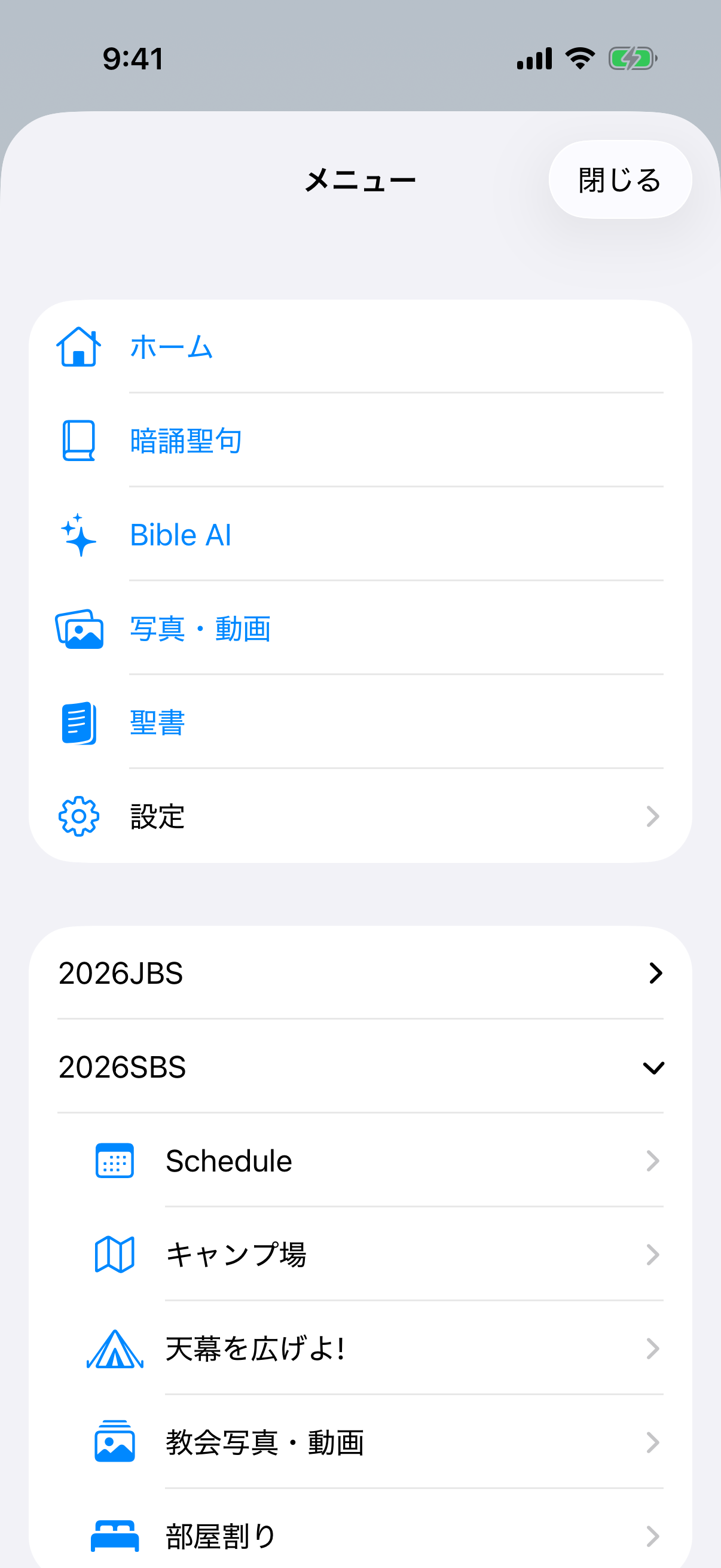
- ScheduleOpen and share the event schedule.
- Camp VenuesReview Pine Springs Ranch and Davar Church Skandia Hall, then open Apple Maps or Google Maps.
- Enlarge the place of your tent!Read the theme Scripture and event information and open the official page.
- Church Photos & VideosOpen the 2026SBS gallery. Uploads from here receive the event tag automatically.
- Room AssignmentsEnter the separate SBS password to see participant assignments. After unlocking, you can save an offline copy, refresh it, see its last update, or remove the offline copy.
Announcements
Church Announcements opens full notification text, translation, and delivery details. Orders lets you order current items and edit or cancel history linked to this device session and the email used for the order. Administrator sending tools are under Settings → Notifications, not in this menu. See Announcements & Orders for the complete workflow.
Permanent information groups
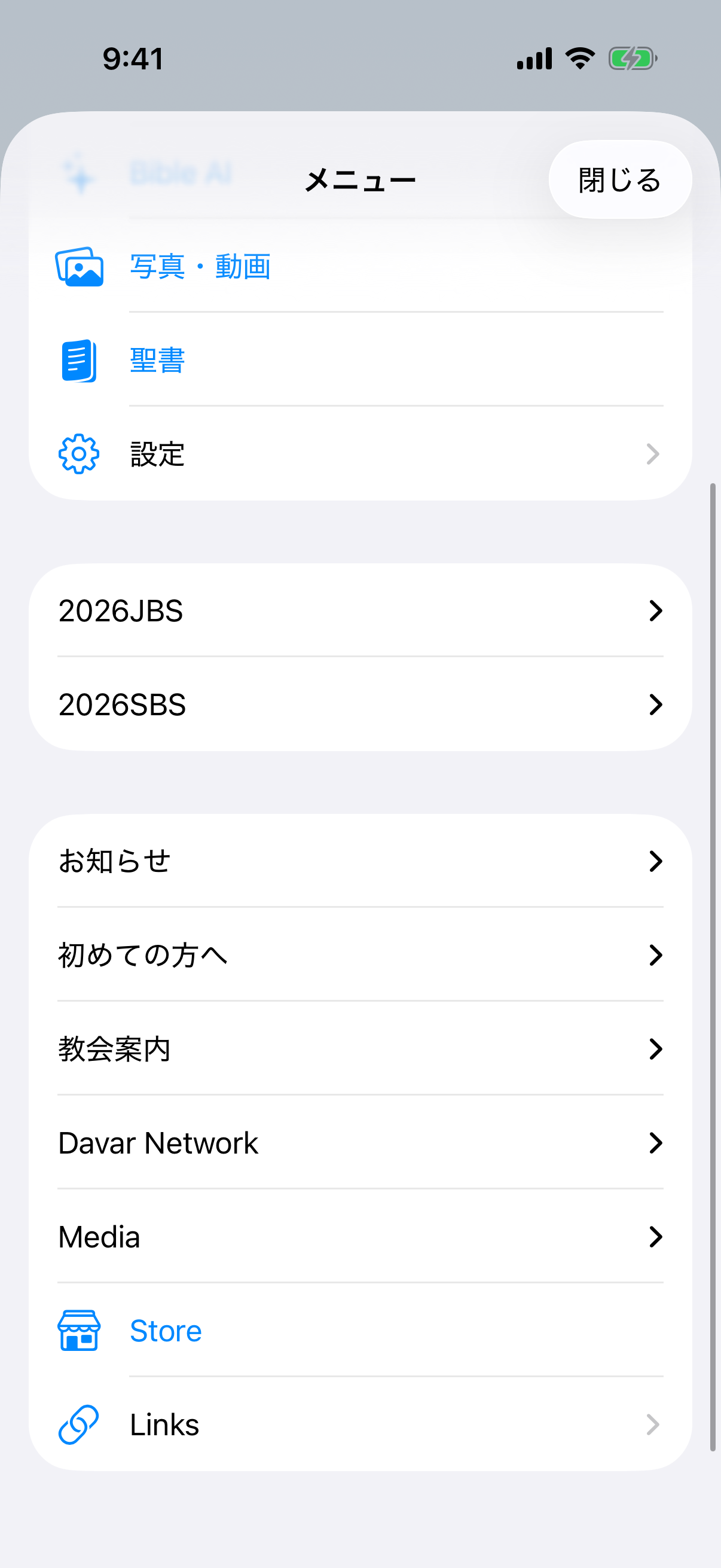
- New HereOpen the pastor introduction, visitor guide, Bible Q&A, Davar beliefs, guidance for receiving Jesus, and Communion information.
- Church GuideReview Sunday worship, church school, and church history.
- Davar NetworkFind branches and house churches and open their information.
- MediaOpen Church Photos & Videos, Live Streaming, Cornelius Meeting, Davar and Jun Asai YouTube, and video series.
- StoreOpen the church Store in an external browser. Follow the Store checkout or key-delivery instructions there.
- LinksOpen church-selected external websites. Some links continue in Safari.
After opening an item
- In-app pageUse the visible Back, Forward, Reload, and Share controls.
- Maps, video, Store, and external sitesThe app may open a supporting app or Safari. Use the Davar App return link at the upper left or the app switcher to return.
- Cornelius MeetingEnter the separate website password provided by the church. “Keep me signed in” stores that website's cookie; the app does not read the entered credentials. Signing out of the app also ends the website session.
- OfflineOnly saved information is available. Refresh live information and external pages after the connection returns.
Why the menu is organized this way: Stable core functions ship in the app. Time-sensitive event pages can be added or changed under Events without waiting for an app update.